
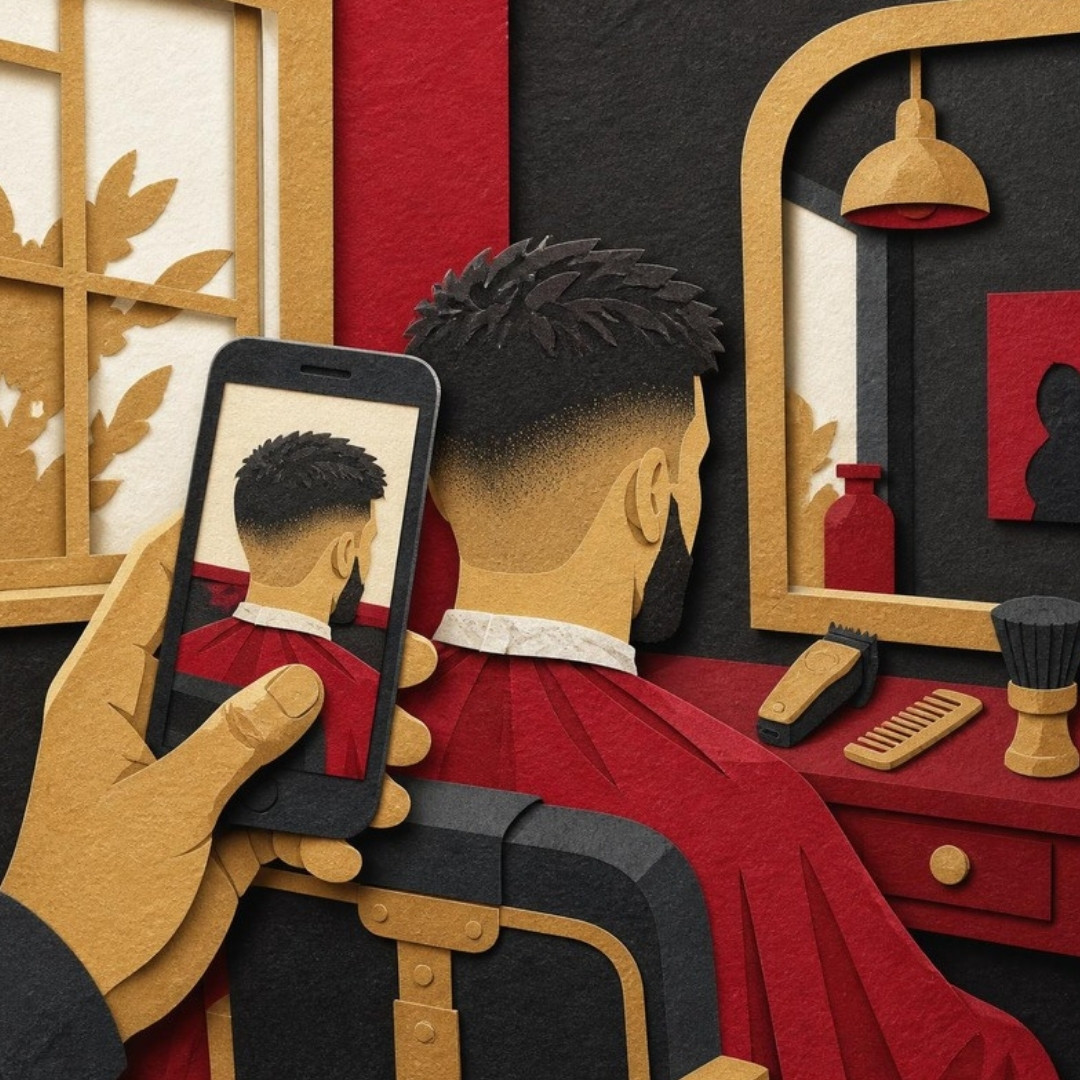
Somebody finds you on Google. They tap your profile or your website. And the first thing they do is not read. They look.
They look at the fade you cut last Saturday. The knotless braids that took six hours. The truck you detailed until the black paint looked wet. If those photos are dark, blurry or missing, that person scrolls to the next shop, and you never even knew they were there.
Here’s the good news. You don’t need a photographer or an expensive camera to fix this. The phone in your pocket can do the job if you shoot with a little intention.
Light is the whole game
Most bad work photos aren’t bad because of the phone. They’re bad because of the light. Harsh overhead bulbs make skin look gray and turn shiny surfaces into glare.
- Shoot near a window when you can. Soft daylight from the side shows texture: the line of a part, the edge of fresh ink, the stitching on a leather seat.
- Outside, skip the harsh noon sun. Cars and trucks look better in open shade or late afternoon.
- Turn off the flash. It flattens everything.
- Wipe your lens on your shirt first. A smudged lens is why so many phone photos look foggy.
Clean up the frame
Your customer judges the whole picture, not just the work. A sharp cut with a pile of hair and an empty soda can behind it says something different than the same cut against a clean wall.
Before you shoot, take ten seconds. Move the clutter. Sweep the floor. Pick one simple background and use it every time: a plain wall, a backdrop with your colors, the same bay in your garage. When every photo has that same look, your page starts to feel like a real brand instead of a camera roll.
Shoot more than one angle
One photo shows the result. A few photos tell the story.
- The wide shot. The whole head, the whole car, the whole dog fresh off the grooming table.
- The close-up. Get in tight on the part, the line work, the wheel, the nail art.
- The before and after. Same angle, same light, so the difference is honest.
- The happy customer. Only with their permission. Ask every time, and respect a no.
Grab fifteen seconds of video too
While the phone is out, flip to video. Slowly spin the chair. Walk around the car. Let the braids swing. A short clip shows things a still photo can’t, like movement and shine, and you can use it on your website, your Google Business Profile and your social pages.
Put the photos where people decide
A great photo sitting in your camera roll doesn’t book anybody. Move your best work to the places people look before they call:
- Your Google Business Profile. Add new photos regularly so the profile looks open and active.
- Your website gallery. Add a short caption that names the service, like “knotless braids, mid-back length” or “full interior detail.”
- Your booking page. Put a photo right next to each service so people see what they’re paying for before they tap the button.
Pick one day a week. Choose your three best shots. Upload them. That habit alone puts you ahead of a lot of shops in your area.
Keep it honest
Don’t use filters that change the color of the hair, the ink or the paint. Don’t post anybody else’s work as yours. When a customer walks in, they should get the same quality they saw online. That’s how photos turn into trust, and trust turns into regulars.
If your website doesn’t have a clean place to show off your work, or you don’t have a website yet, that’s exactly what we build: a simple site with a gallery that makes your best work easy to find and a button that lets people book you.
Running a shop or studio? See what we build for barbershops, hair salons and braiders and nail and lash studios.
Visit webfilmbooks.com or email info@webfilmbooks.com to get started.